How to detect and fix Terraform configuration drift in a team environment
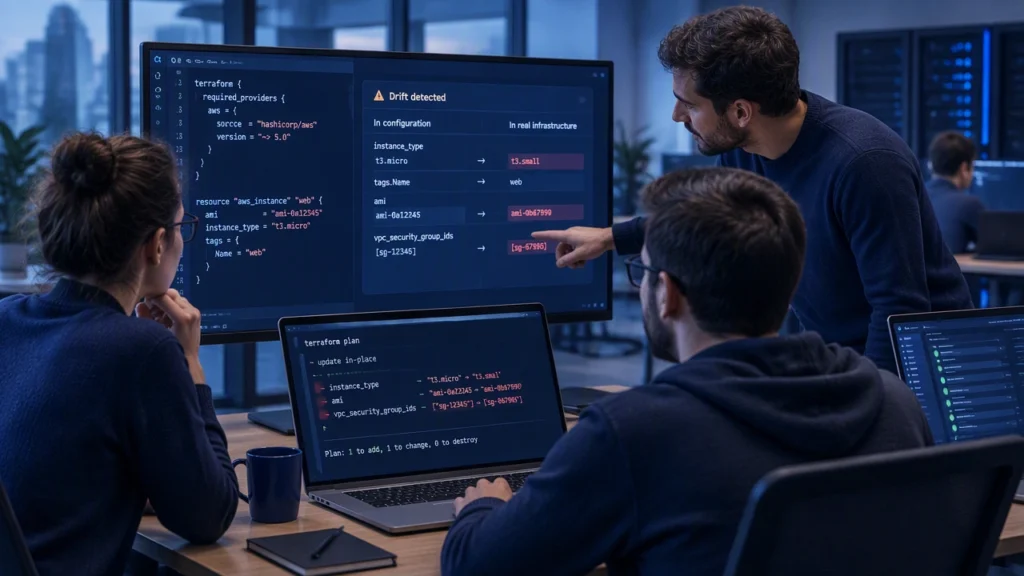
In modern IT administration, keeping systems running means keeping declared configuration and real infrastructure in agreement. When they diverge, small inconsistencies grow into security gaps, broken deployments, and hours of troubleshooting. This article explains how to detect and fix Terraform configuration drift in a team environment with a practical workflow that balances safety and speed.
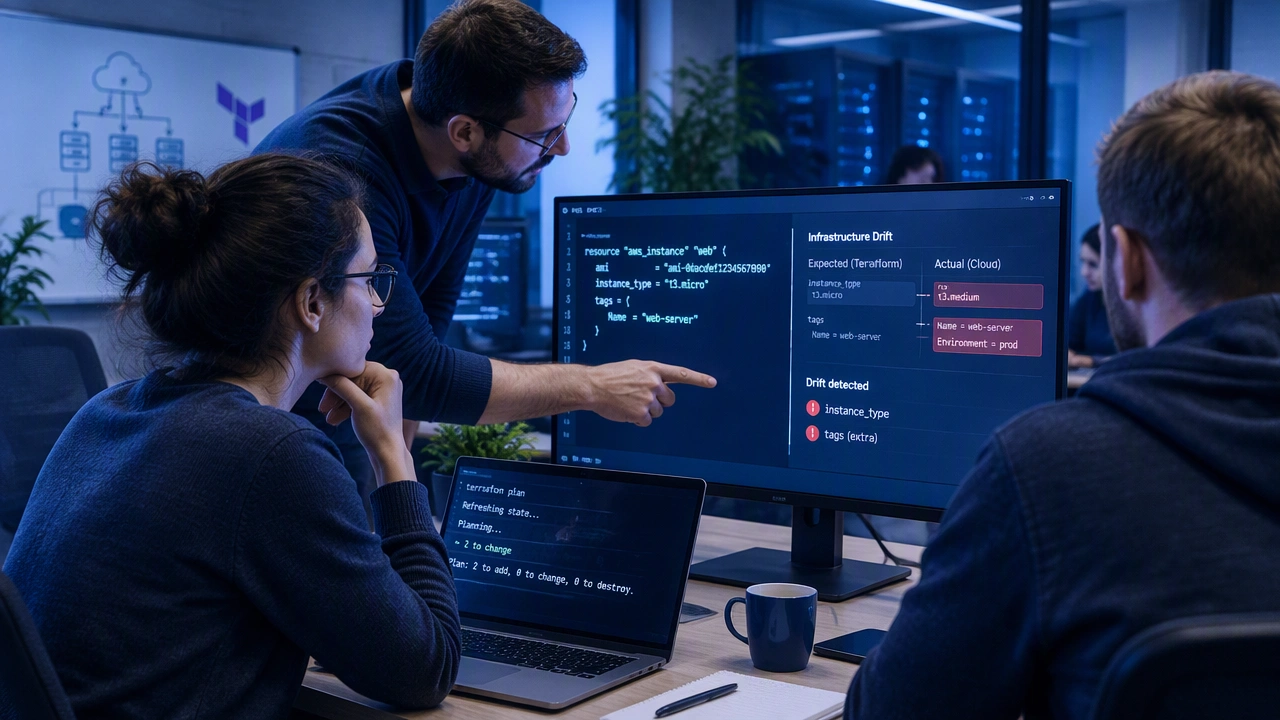
Configuration drift happens when real resources change outside Terraform, or when Terraform state no longer reflects the actual environment. In teams, drift is common because multiple people apply changes, use different tools, or make emergency edits. The goal is not to eliminate every manual change, but to detect drift early, understand its cause, and reconcile it through a controlled process.
Why Terraform drift occurs
Drift usually enters the environment through a few predictable paths:
- Manual edits: someone changes a security group rule, tag, or setting in the console or CLI to unblock production.
- External tools: scripts, CI jobs, or platform services modify resources without updating Terraform.
- Provider behavior: default values, computed attributes, or provider upgrades change how Terraform reads state.
- State mismanagement: state files are overwritten, locked, or split across backends.
- Module or variable drift: inputs change between environments, but the same module behaves differently.
Each cause needs a slightly different response. A good workflow gives you visibility, context, and a safe path to remediation.
Prepare the team and the pipeline
Start by agreeing on a few basics so drift detection is repeatable:
- Single source of truth: use a remote backend with state locking, like Terraform Cloud, an S3 backend with DynamoDB, or an equivalent service.
- Consistent workspaces: separate environments and regions clearly, and avoid manual applies outside the standard pipeline.
- Planned change process: use pull requests, plan reviews, and approval gates for any change to Terraform code.
- Least-privilege access: limit who can run apply in production and log all changes.
With these controls, drift detection becomes a team practice rather than a heroic firefight.
Establish a baseline
Before you detect drift, you need a clean baseline. Run terraform plan against each environment and confirm that it shows no unexpected changes. If it does, decide whether to import or update the code to match reality. Document the decisions, then tag the commit and the state version so you can refer back to the baseline later.
A baseline helps you distinguish between intentional changes and true drift. It also makes automated checks meaningful because you are comparing against a known-good state.
Automate drift detection
Drift is easiest to fix when caught early. Add scheduled and event-driven checks to your pipeline:
- Scheduled plan: run terraform plan -detailed-exitcode nightly or weekly. The exit code tells you whether there are changes. A non-zero code with changes can open a ticket or notify a channel.
- PR-triggered plan: run a plan on every pull request that touches Terraform code, and show the diff to reviewers.
- Post-apply verification: after any apply, run plan again to confirm no immediate drift.
- Change detection: watch for console or API changes using cloud audit logs, and trigger a plan when a relevant resource is modified outside Terraform.
Keep the plan output visible to the team. Many drift issues are resolved faster when people can see the exact resource and attribute that changed.
Investigate the cause before you fix
When drift appears, resist the urge to apply immediately. Instead, collect context:
- What changed? review the plan diff and identify the resource and attribute.
- Who changed it? check audit logs, commit history, or ticket records.
- Why was it changed? sometimes the manual change solved a production problem and should be kept.
- Is it safe to revert? some changes are safe to revert; others require a migration or a feature flag.
This step prevents a common mistake: blindly reapplying code that does not match the current production need.
Reconcile safely
Once you understand the cause, choose a reconciliation path:
- Update the code to match reality: if the manual change was correct, update variables, modules, or resource arguments to reflect it, then run plan and apply.
- Import existing resources: if a resource was created outside Terraform, use terraform import to bring it under management, then refine the code to match the imported settings.
- Replace carefully: if the resource cannot be updated in place, plan a replacement window and communicate it. Use terraform apply -replace when needed and test in staging first.
- Ignore non-essential attributes: for noisy computed fields that do not affect behavior, use ignore_changes in lifecycle to reduce false positives, but document why.
After remediation, run plan again to confirm the environment is clean. Record the decision and the change in your change log so the next person on call understands the history.
Reduce future drift with guardrails
Fixing drift is important, but preventing it is better. Use these guardrails to keep configuration and reality aligned:
- Policy as code: enforce tagging, encryption, and network rules with tools like Sentinel or OPA before apply.
- Protect critical resources: use prevent_destroy and approval gates for databases, DNS, and shared services.
- Standardize modules: give teams vetted modules for common patterns so they do not build one-off resources.
- Limit manual access: reduce console permissions for production resources and require changes through Terraform.
- Document exceptions: if a manual change is allowed, create a ticket and plan a follow-up to update the code.
These steps make drift less likely and easier to detect when it happens.
Make drift review part of team rhythm
Add drift review to your regular operations:
- Weekly check: review open drift alerts, assign owners, and decide whether to revert, import, or update code.
- Monthly hygiene: clean up unused resources, update modules, and verify that state files match inventory.
- Post-incident review: when a manual change was necessary, capture the reason and plan the code update.
By treating drift as a normal operational signal, teams avoid surprises and maintain a stable, auditable environment.
Drift will always exist in dynamic systems. The difference between a fragile environment and a reliable one is a clear workflow: detect it early, understand it, reconcile it safely, and prevent it where you can. With consistent tooling and team habits, you can keep infrastructure aligned with your declared configuration and keep systems running smoothly.