Why VMware Clones Collide: Duplicate IP and MAC Conflicts Explained
Cloning a virtual machine is one of IT administration’s fastest ways to deploy a known-good server, but the copy can inherit network identity along with the disk. When a clone boots with the same IP address, MAC address, or stale network configuration as the source VM, the network behaves unpredictably. This guide explains how duplicated identifiers and network settings create conflicts after VMware cloning and how to fix duplicate IP and MAC conflicts after VMware cloning without disrupting production.
What the clone inherits
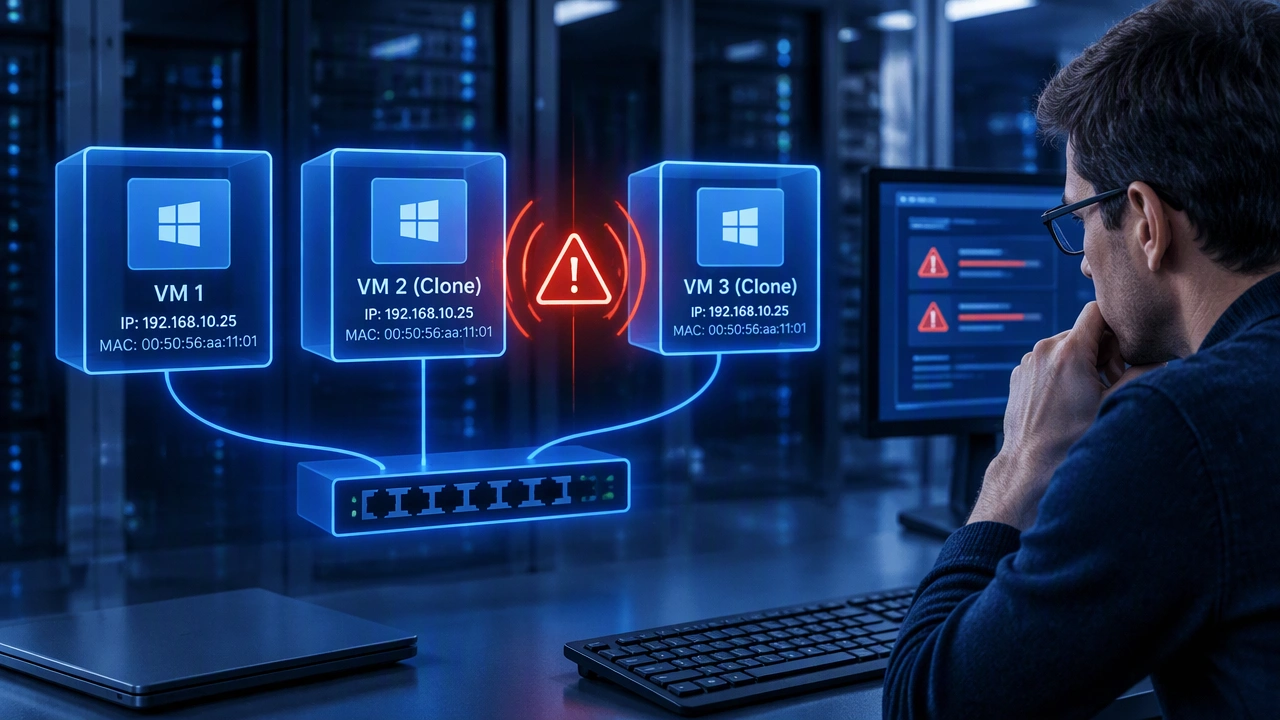
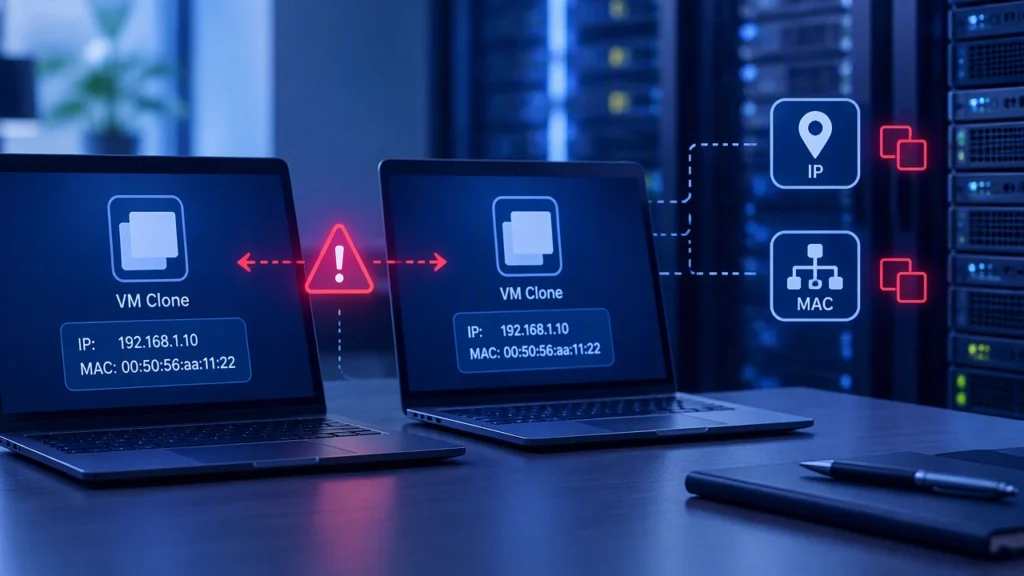
A clone copies the virtual hardware definition and the guest disk state. That includes the guest’s configured IP address, hostname, DNS settings, routing rules, and any persistent udev rules that name network interfaces. On the virtualization side, VMware may copy or generate the network adapter’s MAC address depending on the clone workflow and settings. The result is two machines that believe they own the same network identity.
The source VM may still be running, or it may be powered off but registered in inventory. Either way, the network can see duplicate addresses when the clone comes online. Switches, routers, firewalls, and other hosts then have to choose between two possible destinations for the same identifier.
Why duplicate IP addresses cause trouble
IP conflicts usually appear as intermittent connectivity, failed DNS updates, or one machine responding while the other is silent. ARP tables on the local network may point to the wrong VM. Sessions such as SSH, database connections, or monitoring agents can jump between hosts or time out.
Duplicate IP addresses are especially easy to create when cloning from a template that still contains a static address. DHCP environments are not immune: a clone may retain a lease in its operating system, or the DHCP server may assign an address that overlaps with a reservation used by the source VM.
Symptoms to check first
- Ping succeeds for a few packets, then fails or changes latency.
- The ARP table shows the same IP with two MAC addresses over time.
- Services bind locally but are unreachable from other subnets.
- Logs show duplicate-address detection messages or DHCP NAK responses.
Why duplicate MAC addresses matter
MAC addresses are used inside a layer 2 segment to deliver frames. If two VMs present the same MAC, switches may forward traffic to the wrong port, and the source VM’s network adapter can receive frames intended for the clone. VMware’s distributed switches and standard switches rely on MAC learning, so duplicate addresses create unstable forwarding behavior.
A duplicated MAC can also affect clustering and licensing. Database clusters, virtual IP failover, and software licenses tied to hardware identifiers may refuse to start or may randomly move resources. The problem is most visible when both clones run at the same time, but it can remain hidden until a failover test.
How to detect conflicts before users notice
Start with the guest operating system. On Linux, inspect ip addr, ip route, and persistent network files. On Windows, review adapter configuration, IPv4 settings, and any static routes. Confirm that the clone has the intended address and that no second interface still carries the source configuration.
Next, inspect the virtual hardware. In vSphere, open the clone’s network adapter settings and record the MAC address. Compare it with the source VM and with the address learned by the physical or distributed switch. Check the switch’s MAC address table or the distributed port statistics for the same address appearing on multiple ports.
Finally, watch the network from the guest. Capture ARP replies or use switch port monitoring to see whether two devices answer for the same IP. Look for operating system logs that report address conflicts, and review DHCP leases for duplicate assignments.
How to fix duplicate IP and MAC conflicts after VMware cloning
Use a controlled sequence so the source and clone do not compete while you make changes.
- Isolate the clone. Connect it to a test port group or disconnect the adapter temporarily. This prevents the clone from claiming the source’s address while you inspect it.
- Change the MAC address. In the VM’s network adapter settings, generate a new unique MAC or assign one from the correct range for your environment. If the guest persists the old MAC in a udev rule or interface configuration, update that file as well.
- Reassign the IP address. Replace the static address with a free address from the correct subnet, or remove the static configuration and let DHCP issue a lease. Update DNS records, host files, firewall rules, and application endpoints that reference the old address.
- Refresh network identity in the guest. Renew DHCP leases, clear stale ARP entries, restart the network service, and verify that the interface uses the intended MAC and IP. On Linux, remove persistent net rules that name the interface by the cloned MAC.
- Validate from both sides. Ping the clone from multiple subnets, confirm the ARP table contains one MAC for the IP, and check switch port statistics. Verify that services bind to the new address and that monitoring agents report the expected identity.
Prevent the next clone from inheriting the conflict
Keep templates free of static addresses and machine-specific routes. Use DHCP reservations or an IPAM workflow that allocates addresses at deployment time. Configure VMware to generate a unique MAC for each clone and document the MAC policy for standard and distributed switches.
Automate post-clone checks in your deployment pipeline. A small script can compare the clone’s IP and MAC with inventory records, reject the build if duplicates exist, and write the new values to DNS. For Windows guests, use the appropriate network profile or unattend settings; for Linux, manage netplan, NetworkManager, or systemd-networkd configuration consistently.
Finally, maintain a runbook for virtual machine cloning. Include the isolation step, the exact screens or APIs used to change MAC addresses, the commands used to verify the guest configuration, and the rollback plan. When every clone follows the same sequence, duplicated identifiers become a predictable deployment risk rather than a production surprise.